
The Rise of the "Claw": How OpenClaw & PicoClaw are Democratising Autonomous AI & Lowering The Barrier To Entry.
- Mar 23
- 4 min read
Updated: Mar 25

What is OpenClaw?
OpenClaw is the flagship Open Source framework for building autonomous AI agents that run on your own hardware. It acts as an "agentic gateway," connecting large language models (like Claude 3.5, GPT-5, or DeepSeek) to your local files and system tools.
Instead of just chatting with an AI in a browser, you interact with OpenClaw via WhatsApp, Telegram, or Discord. When you send it a command, it can:
Search the web using integrated APIs like Brave or Tavily.
Write and execute code locally to solve complex problems.
Manage your calendar and emails through secure tool-calling.
Maintain persistent memory across different platforms and sessions.
Why "Claw"? To Claw Or Not To Claw?
The core philosophy of the Claw ecosystem is Agency at the Edge.
For years, AI was trapped in a browser tab. If you wanted it to do something; like organise your files, monitor your home security, or research a market trend; you had to manually copy-paste data back and forth. Retrain models on memory that should be persistent and leverage a local RAG which can safeguard sensitive data or other data silos.
OpenClaw (the heavy hitter) and PicoClaw (the lightweight champion) change the math:
Zero Latency Interaction: By integrating directly with WhatsApp, Telegram, and Discord, your AI agent becomes a contact in your phone. You don't "visit" the AI; it lives where you communicate.
Privacy: Your data stays on your hardware. The AI only sees what you explicitly give it access to via local tools.
Cost: While others pay $20/month for "Pro" subscriptions, PicoClaw runs on a $75 one off cost for a Linux Dev Board. It’s a one time hardware investment for a lifetime of automation.
The Tech Behind the Magic

PicoClaw: The "Tiny but Mighty" AI Agent
PicoClaw is the Go based miracle of the family. According to recent Docker Hub deployments (v0.1.2), the image is optimised for RISC-V and ARM architectures which has a memory footprint of < 10MB RAM.
The PicoClaw - Personal AI Agent provides a 1GHz RISC-V core that PicoClaw uses to bridge cloud LLMs. It also has an array of hardware add on's like local sensors and switches for the more tech savvy.
OpenClaw: The Orchestrator
If PicoClaw is the "Edge Sensor," OpenClaw is the "Brain." It handles complex tool-calling, multi-step reasoning, and maintains a "Long term Memory" (stored in simple Markdown files) so your agent remembers your preferences from three months ago.
Why it’s best: It provides a perfect balance of low cost and sufficient RAM (256MB), ensuring PicoClaw has plenty of room to breathe even with its tiny footprint.
Key Specs: RISC-V C906 @ 1GHz, 256MB DDR3, built-in NPU (1 TOPS) if you eventually want to run local vision models alongside the agent.
Real World Use Cases:
How People Are "Clawing" Back Their Time

The Open Source community has been buzzing with creative deployments.
Here is how the tech is being utilised today:
1. The "Ghost" Executive Assistant

Users are deploying PicoClaw on a linux dev board tucked behind their router.
The Workflow: You’re at lunch and remember you need to research a competitor. You WhatsApp your PicoClaw: "Research the new Tesla Pi phone rumours and email me a summary."
The Action: PicoClaw wakes up, uses its web search tool, compiles a Markdown report, and sends the email; all while using less power than a LED lightbulb.
2. The "Privacy First" Smart Home
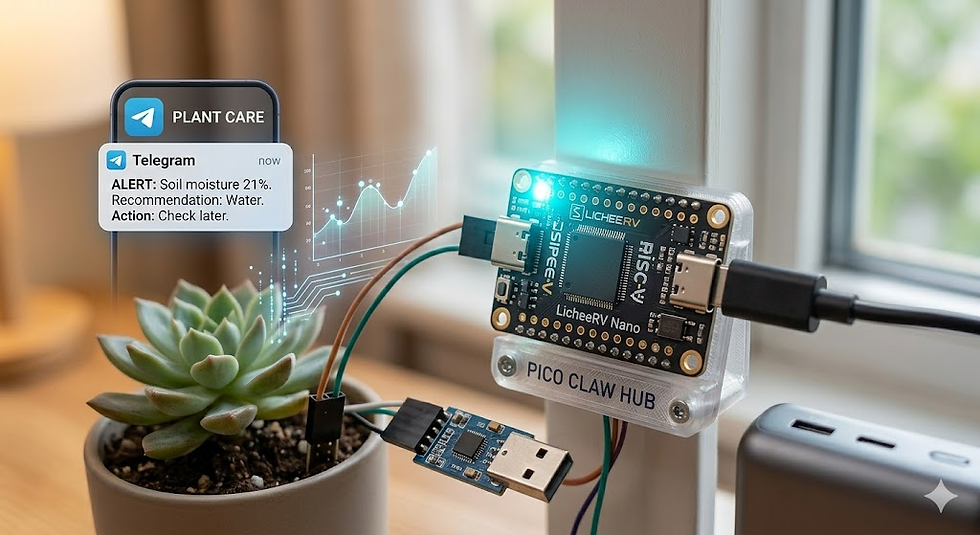
Unlike commercial smart speakers that record everything, the PicoClaw device can act as a local gatekeeper.
The Workflow: It monitors local Zigbee sensors. When it detects a leak, it doesn't just beep; it uses an LLM to analyse the severity and sends you a Telegram: "Detected a slow drip in the kitchen. Based on your previous logs, it's likely the U-bend. Should I call the plumber you used last October?"
3. The Developer’s "Rubber Duck"
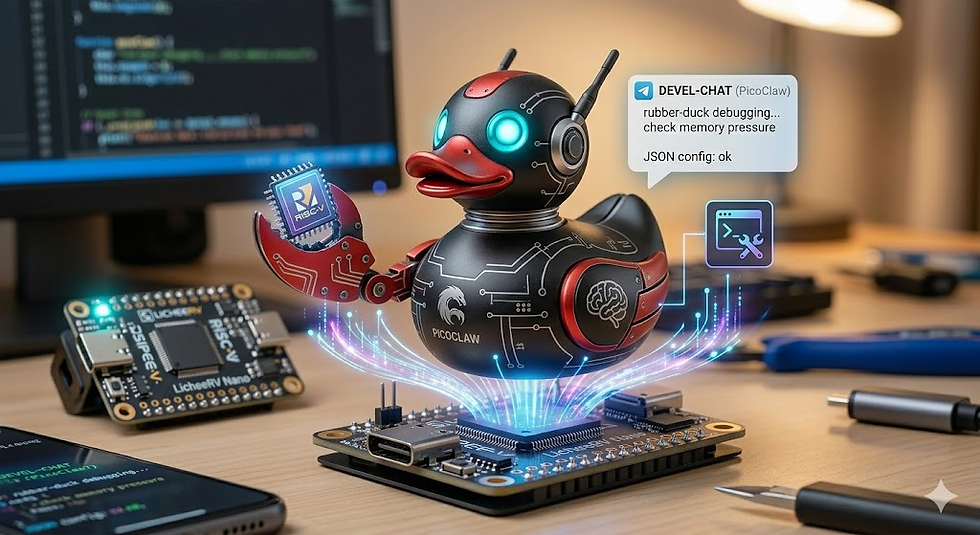
Developers are using the OpenClaw Docker stacks to manage their repos.
The Workflow: By giving the agent access to a local directory, developers can ask via Discord: "Review my last three commits for security vulnerabilities." OpenClaw runs a local script, identifies the bugs, and suggests the fix directly in the chat.
So Which Claw Should I Use?
Feature | PicoClaw | OpenClaw |
Best For | IoT, Home Automation, Budget Builds | Desktop Automation, Research, Complex Dev |
Ideal Hardware | Low Cost Linux Dev Board | Raspberry Pi 5, Mini PC, MacMini |
Setup Difficulty | Low (Single Binary) | Medium (Docker, Python, Go) |
Mobility | High (Battery, USB power) | Static (Server based) |
The "Claw" movement isn't just about software; it’s a philosophical shift.
It moves AI away from the giant corporations that monetise your harvested data, and puts it back where it belongs: in your pocket, on your desk, and under your control. As the Open Source projects grow and the community matures, the question isn't if you will have an autonomous agent, it's which board you'll choose to host it on.
Getting Started: The 5 Minute Jump Start
Grab the Hardware: Order the device. Or you can go for cloud hosted option. You will need a Linux environment. Cloud VPS or Linux Dev Board.
Flash the OS: Use the latest Linux image in Github or Docker.
Deploy the Container: Use the verified PicoClaw Docker Image.
Connect your API: Add your Anthropic API key (I wouldn't recommend any other LLM's) to the config.json.
Say Hello: Message your new agent on your choice of communications platform; Telegram, WhatsApp, Discord; and start delegating to your personal AI Agent / Personal Assistant.
Troubleshooting: Ultimate Clawdbot Tutorial: How to Set up & Use for Beginners by AI Master This 19 minute guide is excellent for understanding the config.json structure. It walks through how to properly format your API keys, tool definitions, and system prompts to ensure the agent boots correctly on the first try.
API Bridging: How to securely input your keys (Anthropic, or Ollama endpoint) into the configuration.
Webhook Configuration: Setting up the communication link so the agent can receive messages from your chat app (Telegram, Discord, WhatsApp).
Tool Manifests: Defining what your agent is allowed to do (eg. searching the web or executing local shell commands).


